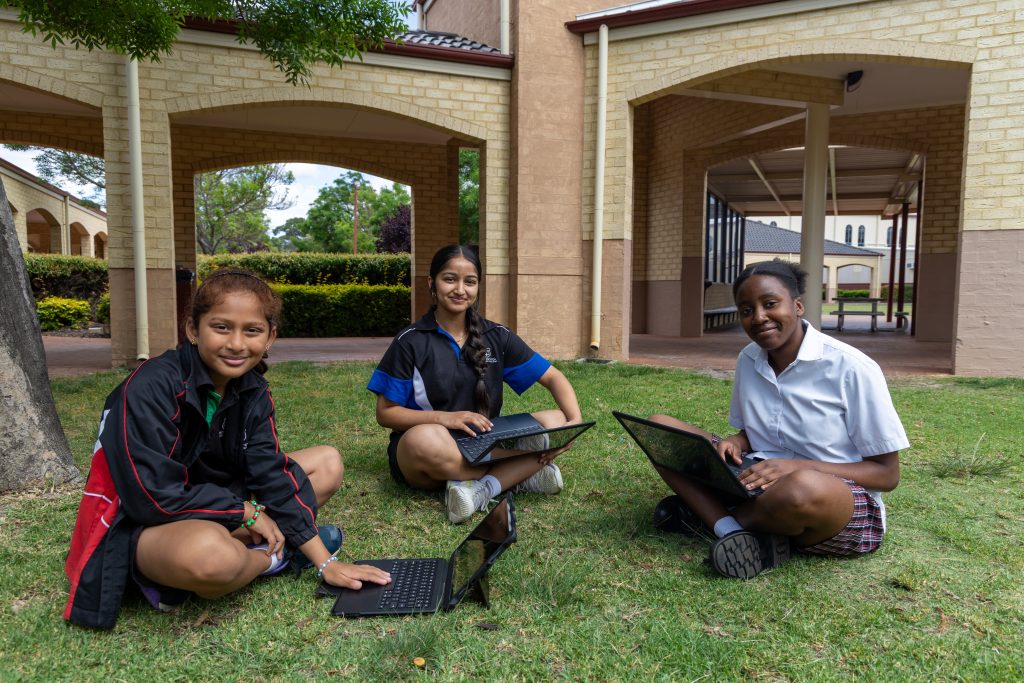
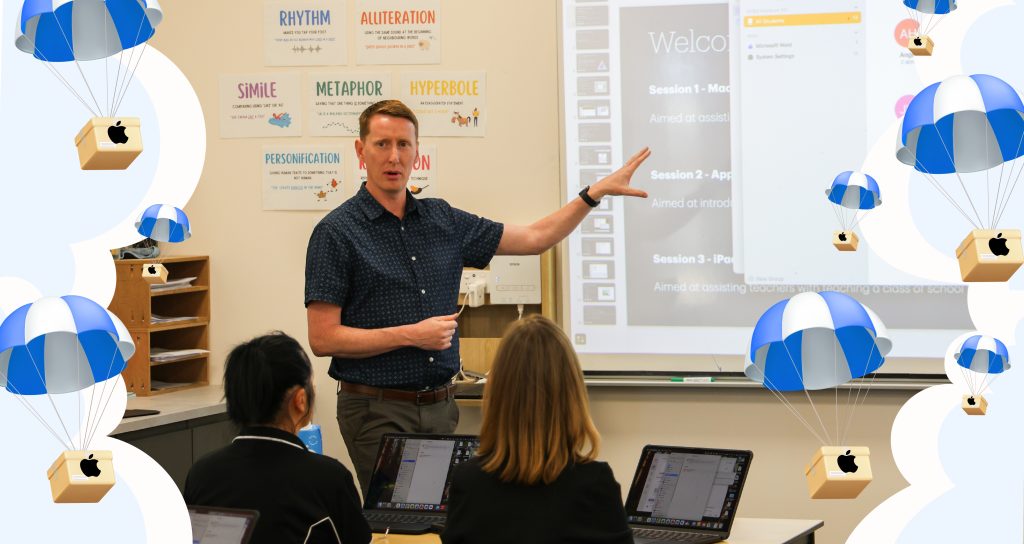
As we get ready to hit the beach or sing Christmas carols this summer, the Managed Device team are gearing up to hand SCEA families their Apple devices in January – just in time for the 2026 school year!
From setting up rows of iPads to planning school device Deployment Days (the dates when each school will hand over devices to parents at SCEA schools), the team has had their hands full this term!
Launching across several schools in Term 1 2026, the Managed Device Program aims to establish safe learning environments and distraction-free spaces where technology can be used purposefully.
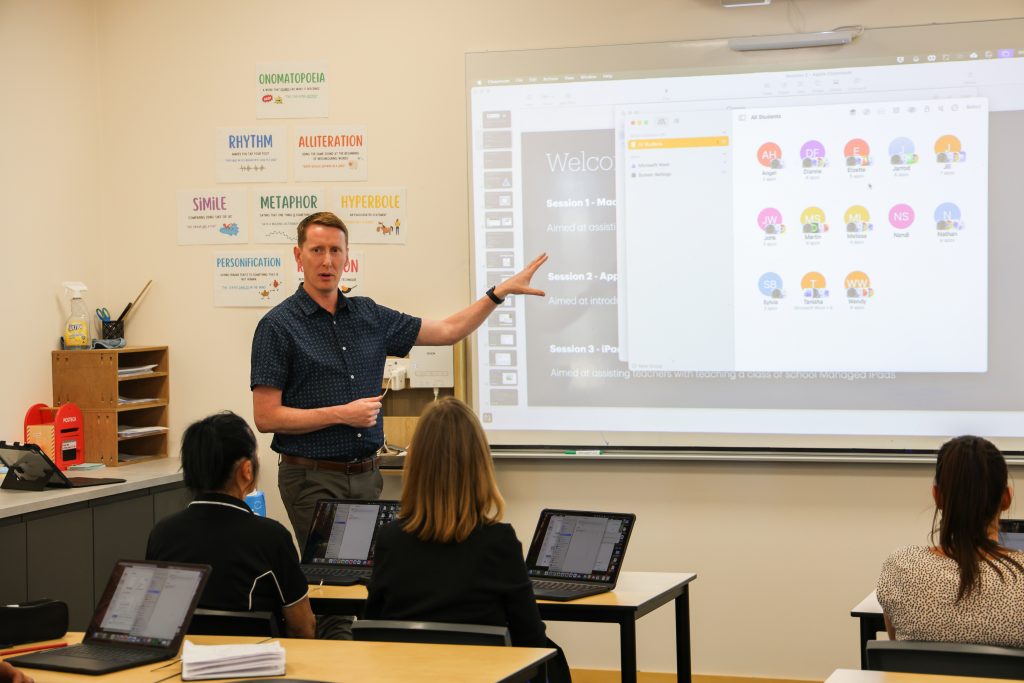
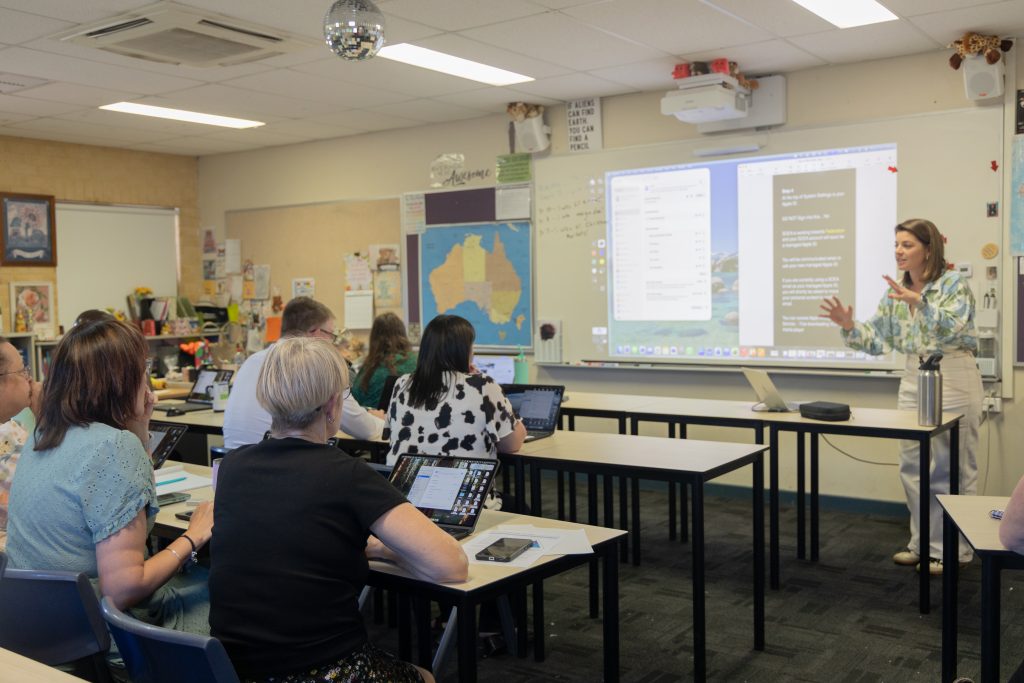
A key portion of the preparation work has been driven by SCEA’s Manager of Digital Learning, Mr Stephen Drew, who has been taking his Apple device staff training on tour!
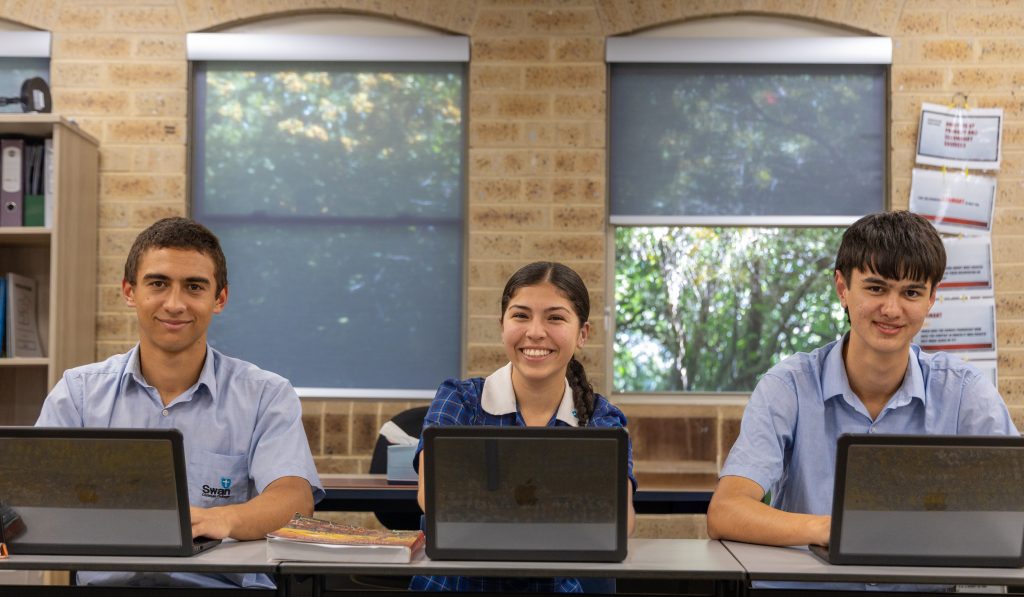
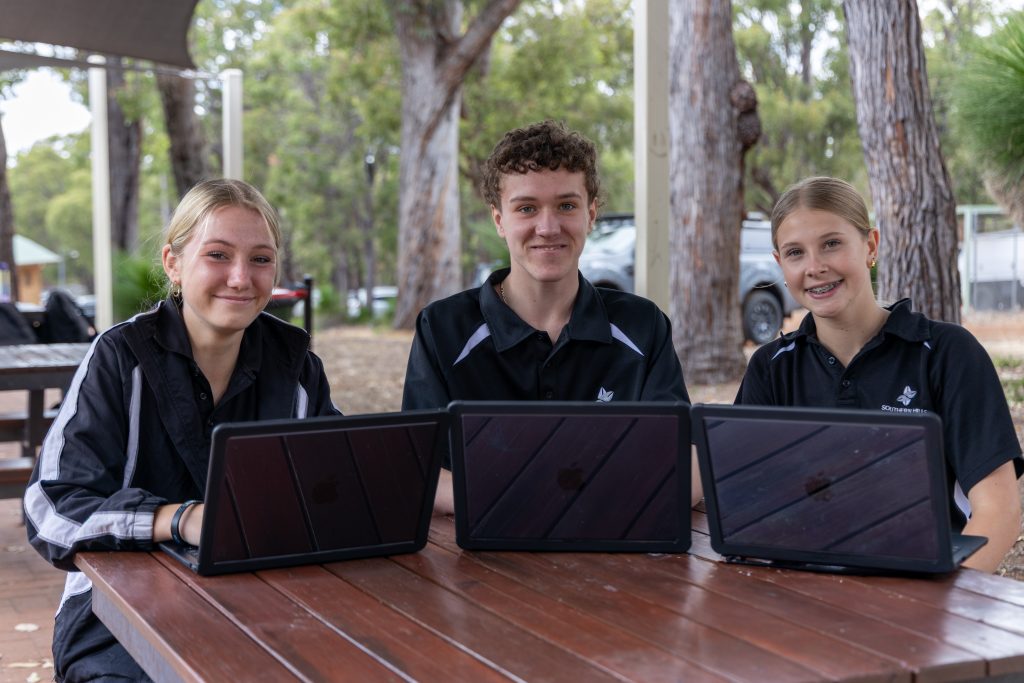
Teaching staff across all seven SCEA Schools have been trained to use their new Apple devices and introduced to ‘Apple Classroom’, the learning app that allows teachers to directly manage student learning across classroom devices.
Handy features like opening attachments, viewing student screens, and creating personalised learning pathways for students are just a few of the ways that teachers can expect the Managed Device Program to improve learning outcomes next year.
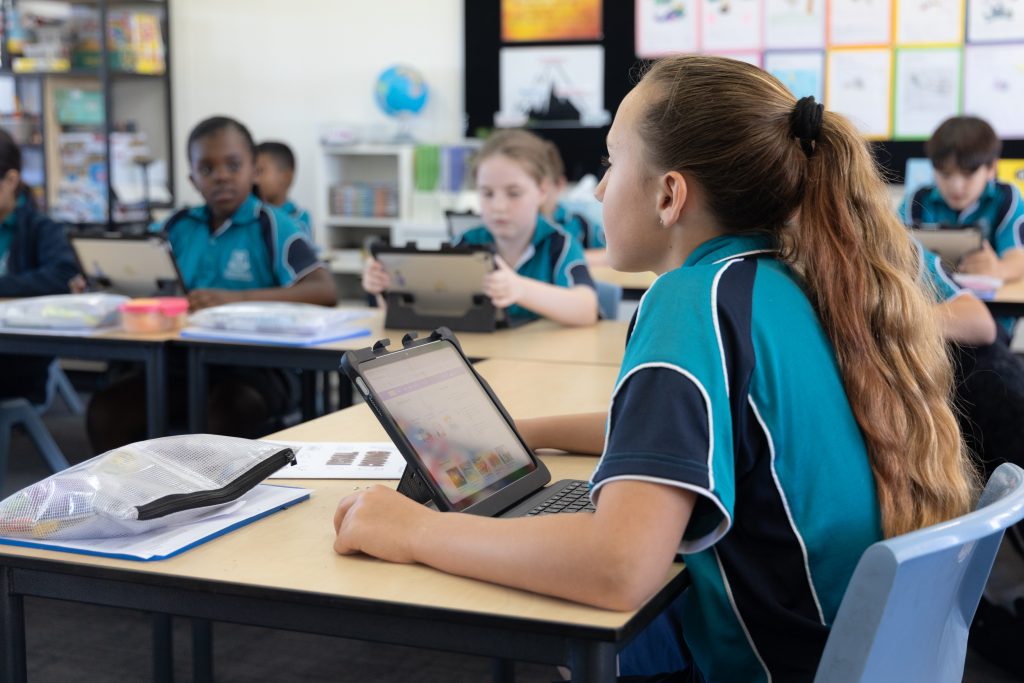
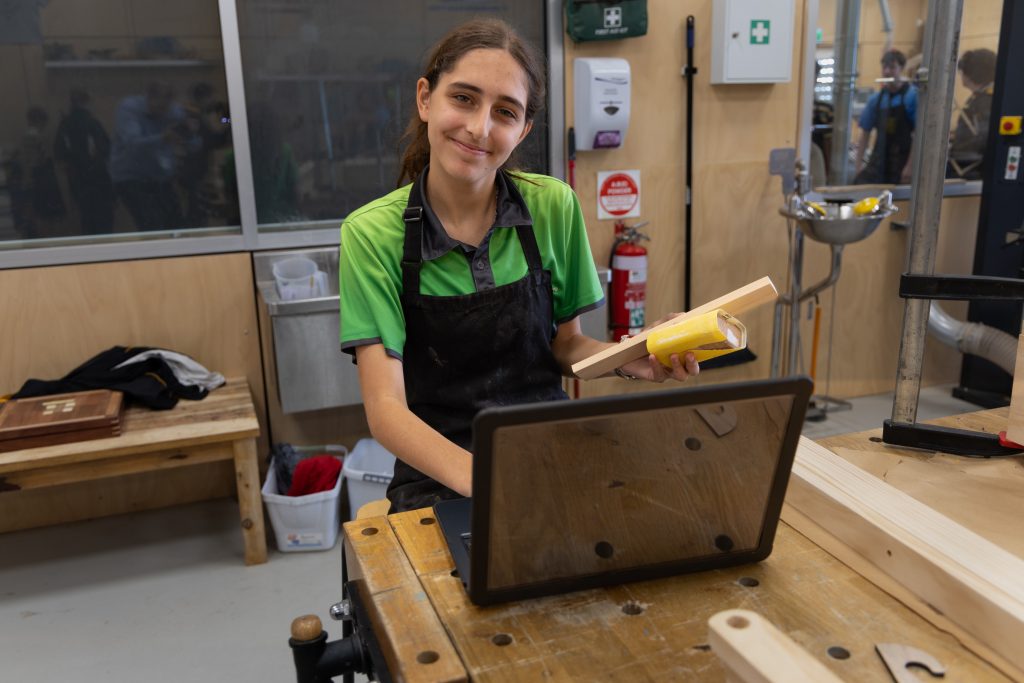
How will students receive their new devices?
SCEA-Managed Devices will be delivered to students on their school campus as part of their planned Deployment Days in January 2026.
The goal of these Deployment Days is to create a smooth, well-supported transition for students into the new program.
Students, alongside parents/guardians, will receive a short information session outlining how to use their new devices before receiving them.
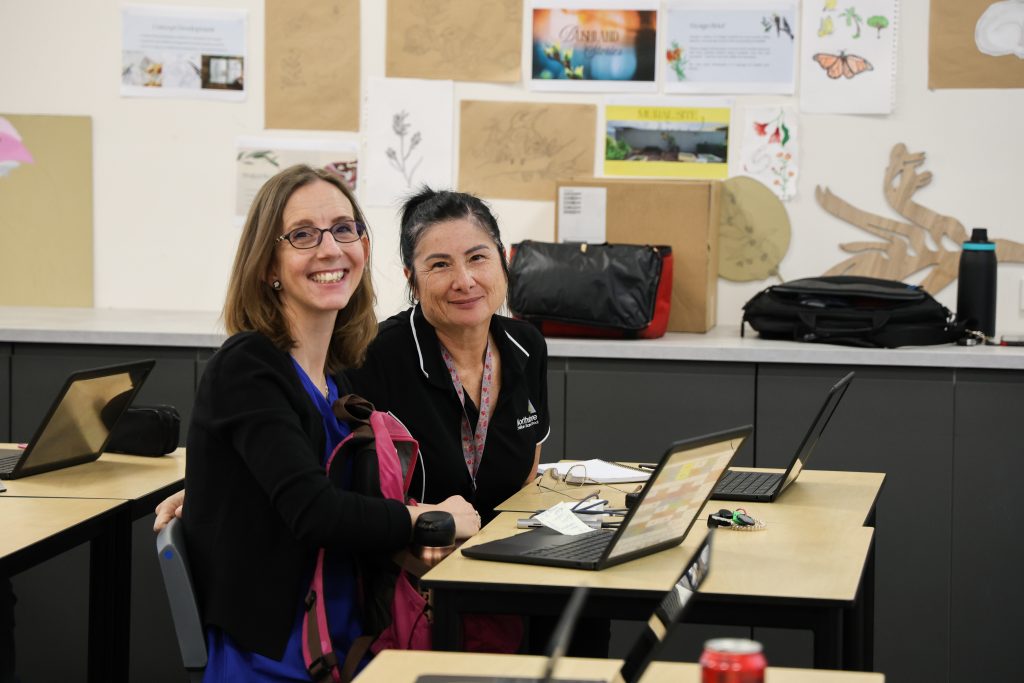
So, what do SCEA Staff need to know about Deployment Days?
To continue upskilling our staff ahead of the Managed Device rollout, we’ve compiled a list of key facts below outlining how each student’s managed device will function.
We anticipate this list coming in handy when questions start to roll in during Term 1!
This information will also be handed out to families in a helpful brochure on Deployment Day.
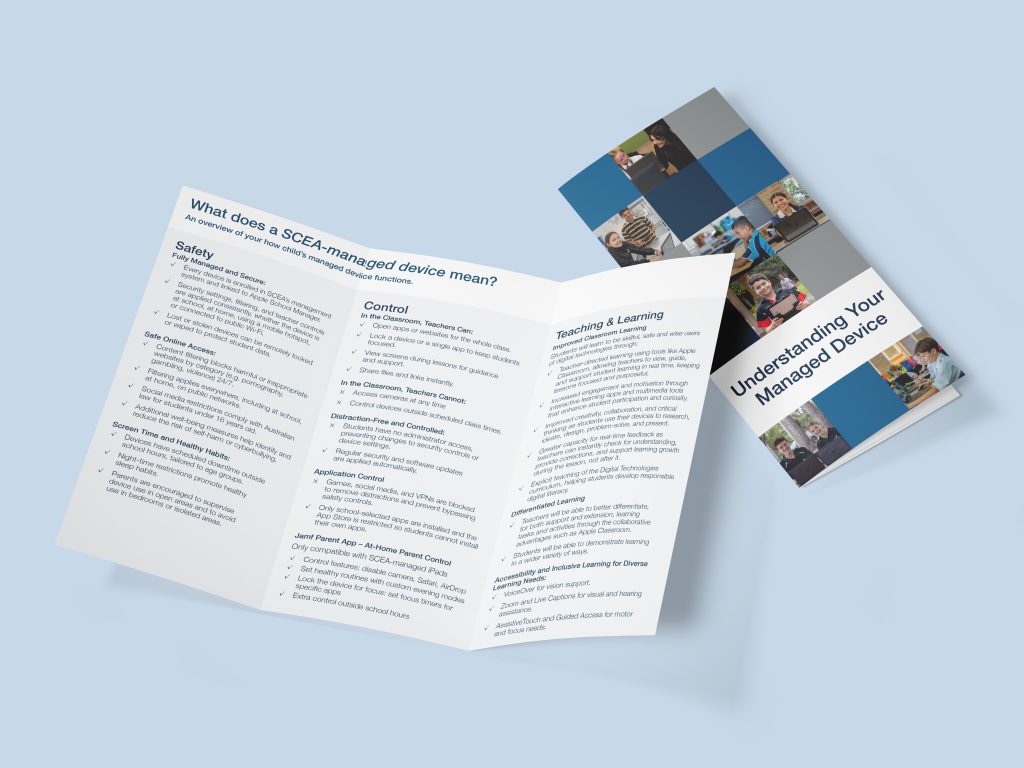
10 Fun Facts About Student Managed Devices:
- Content filtering blocks harmful or inappropriate websites by category (e.g. pornography, gambling, violence) 24/7.
- Whether the device is at school, at home, using a mobile hotspot, or connected to public Wi-Fi, all security settings, filters and teacher controls are applied.
- Devices have scheduled downtime outside school hours, tailored to age groups.
- In the classroom, teachers can:
- Open apps or websites for the whole class.
- Lock a device or a single app to keep students focused.
- View screens during lessons for guidance and support.
- Share files and links instantly.
- In the classroom, teachers cannot:
- Access cameras at any time
- Control devices outside scheduled class times.
- Students have no administrator access, preventing changes to security controls or device settings.
- Teachers can guide, view, and support student learning in real time through Apple Classroom.
- Student participation and engagement will be supported using interactive learning apps and multimedia tools in class.
- Teachers will be able to better differentiate learning, for both support and extension, through Apple Classroom.
- Only school-selected apps are installed, and the App Store is restricted so students cannot install their own apps.
We are looking forward to establishing the Managed Device program across our schools next year and seeing our educational excellence enhanced across SCEA schools.