
You may have noticed a recent email from the ICT Support Team about completing a Security Awareness Assessment.
“Was it a spam message about being spammed?” joked Dr Gregg Weaver (Chief Education Officer – SCEA) earlier this week.
This email is not spam or a phishing email — it’s the real deal!
Cybersecurity has always been a priority for the SCEA ICT Team, and we have been working on ways to strengthen our defences and raise awareness across our organisation.
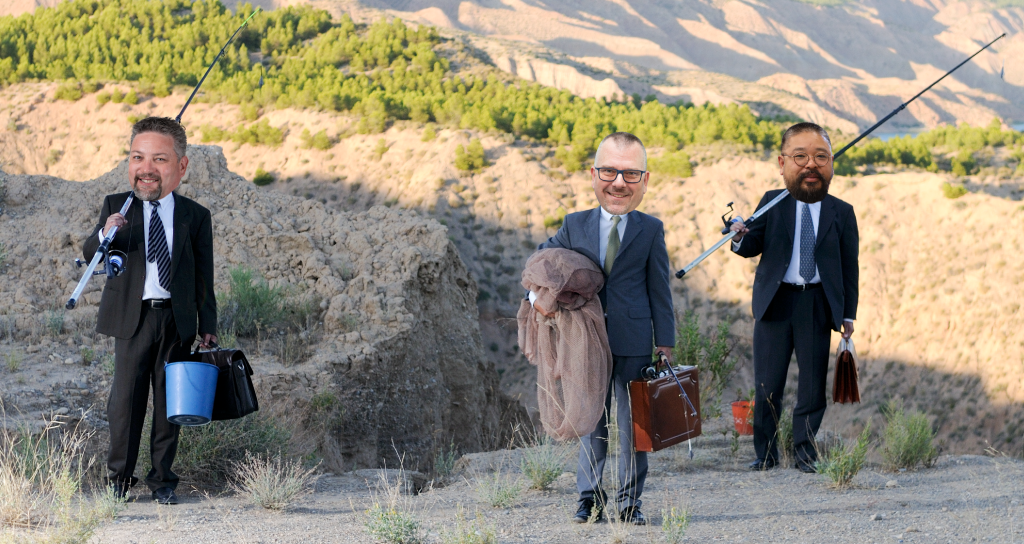
Are the ICT team on a ‘phishing expedition’?
Yes! And we want you on board.
To help us on this mission, the ICT Team has partnered with KnowBe4, a leading provider of security awareness training. This assessment will give us a baseline of our current awareness levels, and your participation will help us tailor the program and deliver future training that better prepares everyone for real-world cyber threats.
Thank you to those who have already completed the assessment. If you have not, please complete it before the deadline of 29 August 2025.
What is the incentive?
Mr Long Nguyen (Applications Specialist – SCEA) has promised a cake to the staff team that has the highest percentage of completed assessments by the 29 August deadline.

“I want your business, and I’m prepared to pay for it!” said Long yesterday.
“There are a lot of phish in the sea – but I am determined that we will catch as many as we can – and keep SCEA’s network safe now and into the future. With your help, we can do it.”
This week’s tip from Long to help you today:
Cyber-Smart Tip 1: Detecting and Responding to Phishing
Phishing is when cybercriminals impersonate trusted individuals or organisations such as colleagues, banks, or service providers to trick you into giving away sensitive information or clicking harmful links.
If you suspect a phishing email:
- Do not click any links or open attachments.
- Do not reply to the sender.
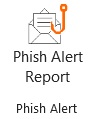
- Report it immediately to ICT Support by clicking the “Phish Alert” button on your Outlook toolbar and follow the prompts.