October marks Cybersecurity Awareness Month, and this year’s theme is a powerful reminder: ‘Cybersecurity is everyone’s business.’
To highlight this crucial topic, we’ve turned to our very own expert, SCEA’s Security, Infrastructure & Operations Manager, Mr Jon-Paul Bullard.
He’s sharing some invaluable tips to help all SCEA staff strengthen their cybersecurity skills and stay safer online in their everyday lives.
- Make your passwords long.
The safest keys and locks have many teeth; hence keeping your passwords long will decrease the chance of the password being breached. They don’t need to be super complicated if they’re longer.
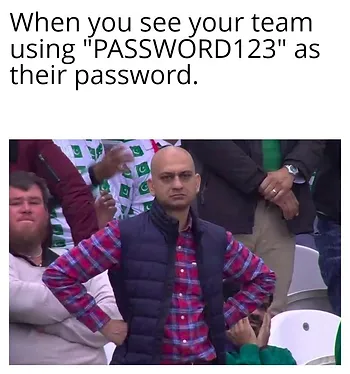
For example, “J9$k*C=V” is not as strong as “I stand amaZed 1n the Presence” Which one do you think you’d need to write down to remember? Aim for at least 14 characters, and 20 or more is even better. - Use a password manager.
You can store your passwords safely using password management software. With so many passwords for different accounts, it’s hard to remember them all—so don’t try! Create a long but easy-to-remember password to protect your password manager, and let it handle the rest. Some recommended password-managing sites include 1Password or LastPass. - Enable Multi-Factor Authentication (MFA)
All SCEA staff have now been upgraded to MFA on their SCEA devices. It’s like adding an extra security door in front of your main door at home. Adding extra security measures to the login process only decreases the likelihood of being breached. - Keep your passwords private
Never use your SCEA password for anything else. Always double-check emails before clicking any links and if you accidentally click something suspicious, contact IT Support right away—we won’t be upset, I promise!